Legal transcription software on your own computer
What TrueScribe does for legal work and what it does not. Local transcription of recordings on Windows and Linux, speaker names, search and export. No certified transcripts.
Published
You record client meetings, witness interviews, dictation or proceedings you are allowed to record, and you want the text without handing the audio to a service. TrueScribe transcribes on your own Windows or Linux computer, with no account and no upload. This page says plainly what that covers and what it does not.
The short version first. TrueScribe is software that turns a recording into editable text on your machine. It is not a certified transcription service, it does not produce certified transcripts and it does not replace a court reporter. Whether a transcript is acceptable for a filing, a hearing or a client file is a question for the body concerned and for you.
How it works in TrueScribe
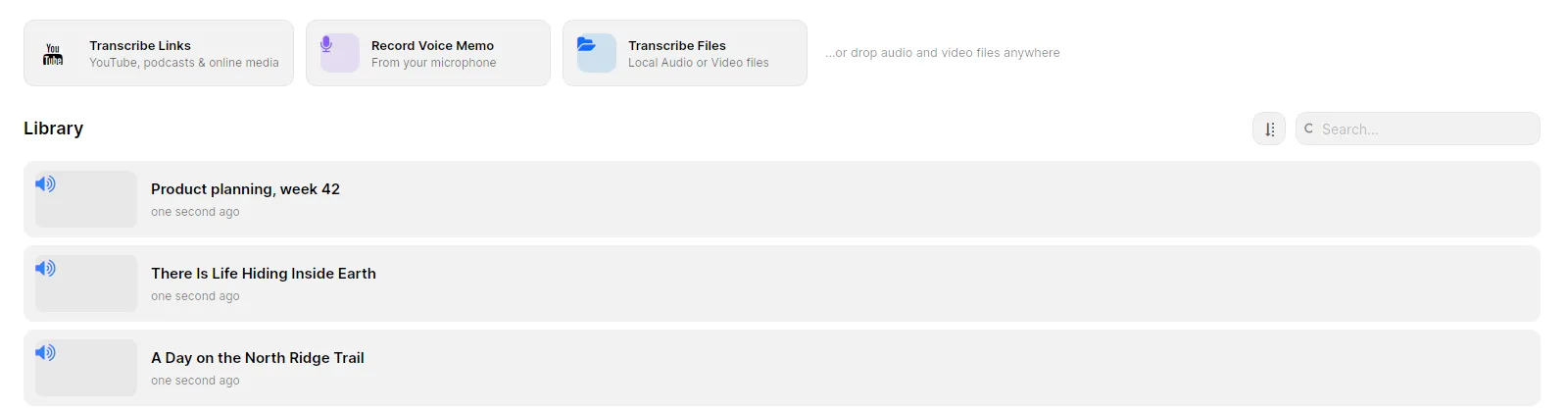
Drop the audio or video file into the library. TrueScribe runs Whisper locally, picks a model that suits your hardware and downloads it once on first use. After that, transcription needs no connection. Recordings and transcripts live together in a searchable library on your computer.
Speech recognition makes mistakes, especially with names, legal terms and people talking over each other. Play the recording back against the waveform and correct the text with undo and redo. Custom vocabulary and automatic replacements teach TrueScribe the names and terms that recur in your matters, so the same correction is not needed twice.
With Pro, TrueScribe detects who spoke and lets you name each voice. The names stay with their segments, so a witness interview reads as a dialogue between named people rather than a block of text.
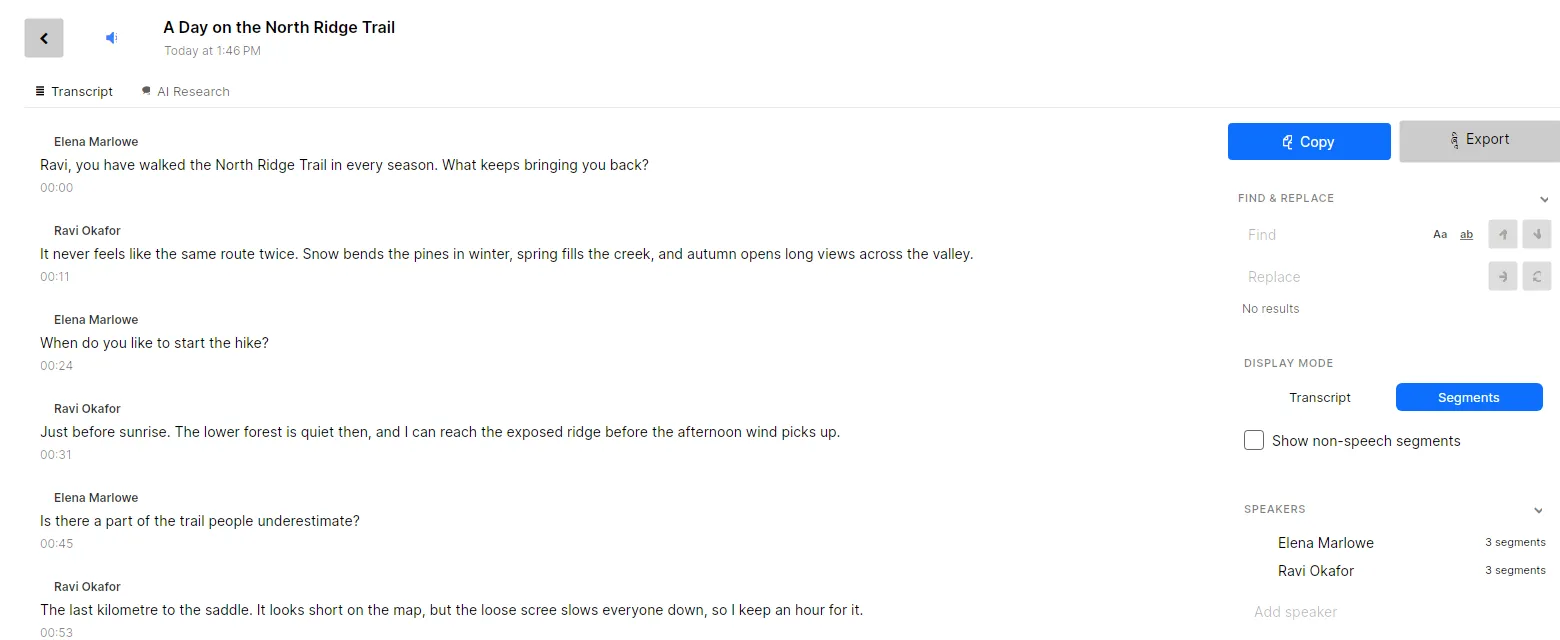
When the transcript is ready, export it. Segments keeps the timestamps and the speaker names on each line; Complete exports the text as continuous prose. The preview shows the file before you save it. To find a name across every matter, search the library instead of opening each file.
What you get
- Unlimited local transcription of audio and video files, with no file or time limit. Free.
- Dictation recording from your microphone, with history, playback, editing and search. Free.
- Custom vocabulary and automatic replacements for names and jargon. Free.
- Search across every transcript in the library. Free.
- AI Research, which answers questions about a transcript with a local model. Free.
- Export as TXT, SRT and WebVTT. Free. Pro adds documents and structured data.
- Speaker detection, naming and assignment. Pro.
- Batch transcription of many files at once, and watch folders that transcribe new recordings automatically. Pro.
- Recording of calls in Zoom, Teams, Meet or another call app on your computer, with a live transcript, where you are permitted to record. Pro.
Pro is a one-time purchase of US$64 for up to three devices.
Limits
- No certification. TrueScribe does not certify transcripts, and nobody at TrueScribe reviews them. A transcript from TrueScribe is your working document, not a certified record.
- No court reporting. There is no stenographer, no real-time certified record and no filing service.
- No compliance claim. TrueScribe makes no claim that its use satisfies any professional, procedural or regulatory rule. Local processing keeps the audio and the transcript on your computer. Confidentiality, retention and disclosure obligations stay yours.
- Accuracy. Speech recognition, speaker detection and AI output can contain errors. Review every transcript against the recording before you rely on it, publish it or act on it. TrueScribe does not provide legal advice.
- Protect the machine. The library is only as private as the computer it sits on. Use full-disk encryption, such as BitLocker on Windows, and delete recordings, transcripts and history from the device when your retention rules say so.
- Network use. TrueScribe uses the network for model downloads, media links, licence checks, updates and error reporting. If you configure a cloud provider for transcription, translation or AI Research, that provider receives the content it needs for each request.
- No macOS. TrueScribe runs on Windows and Linux.
Transcribing research interviews offline under GDPR covers pseudonymising a transcript and deleting the originals on schedule, which applies to client interviews as well. Speaker diarization for interview transcripts explains where speaker detection goes wrong and how to fix each case. For a tool that transcribes in the cloud and joins calls with a bot, read the comparison with Otter.ai.
Download TrueScribe to transcribe a recording you already have, or see what Pro includes.